
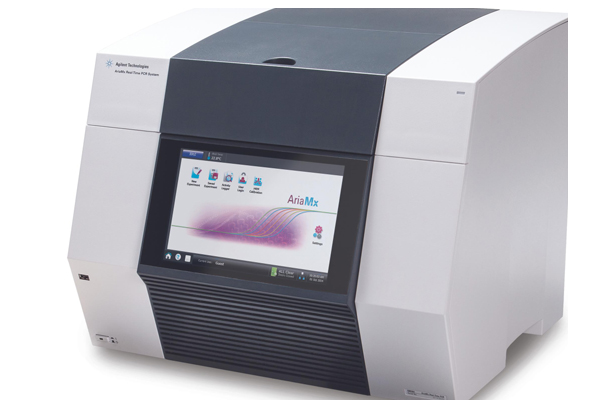
Agilent has developed remote support tools to assist with troubleshooting efforts and ensure that your Aria system(s) are performing optimally. Please register below to access your support tools.
**To view the Serial Number, Software version, and Firmware version of your instrument:
To view the Serial Number of your instrument, please open the Instrument Explorer Dialog box, accessible through the instrument's touchscreen. Click the instrument information.
To locate your Aria Software Version, go to the PC with the Aria Software installed. Navigate to the Control Panel, select Programs and Features, and find the Aria Software Version from the list of programs.
To locate your Aria Firmware Version, from the instrument, go to Settings > Software updates. Please note that the Instrument Firmware Version is labeled as "Current Software Version".
For Research Use Only. Not for use in diagnostic procedures.
PR7000-3190